Team and work
AI jobs with human approvals
Half the work done by AI workers. A person can take any step. See, set up and control the AI workers: what each does, which model it uses, what it may spend and which tools it needs. Work moves on a board, and the AI starts nothing it has not been allowed to.
What you get
6 things this does for you.
An AI roster you can read
For each worker: what it does, its model, instructions, what it receives and produces, a daily budget cap in rupees and whether its tools are ready.
Types of work with limits
Each kind of work has a recipe, a quality check and a spend limit. A switch decides whether Yukti may start it on her own, and it is off until you turn it on.
A task board
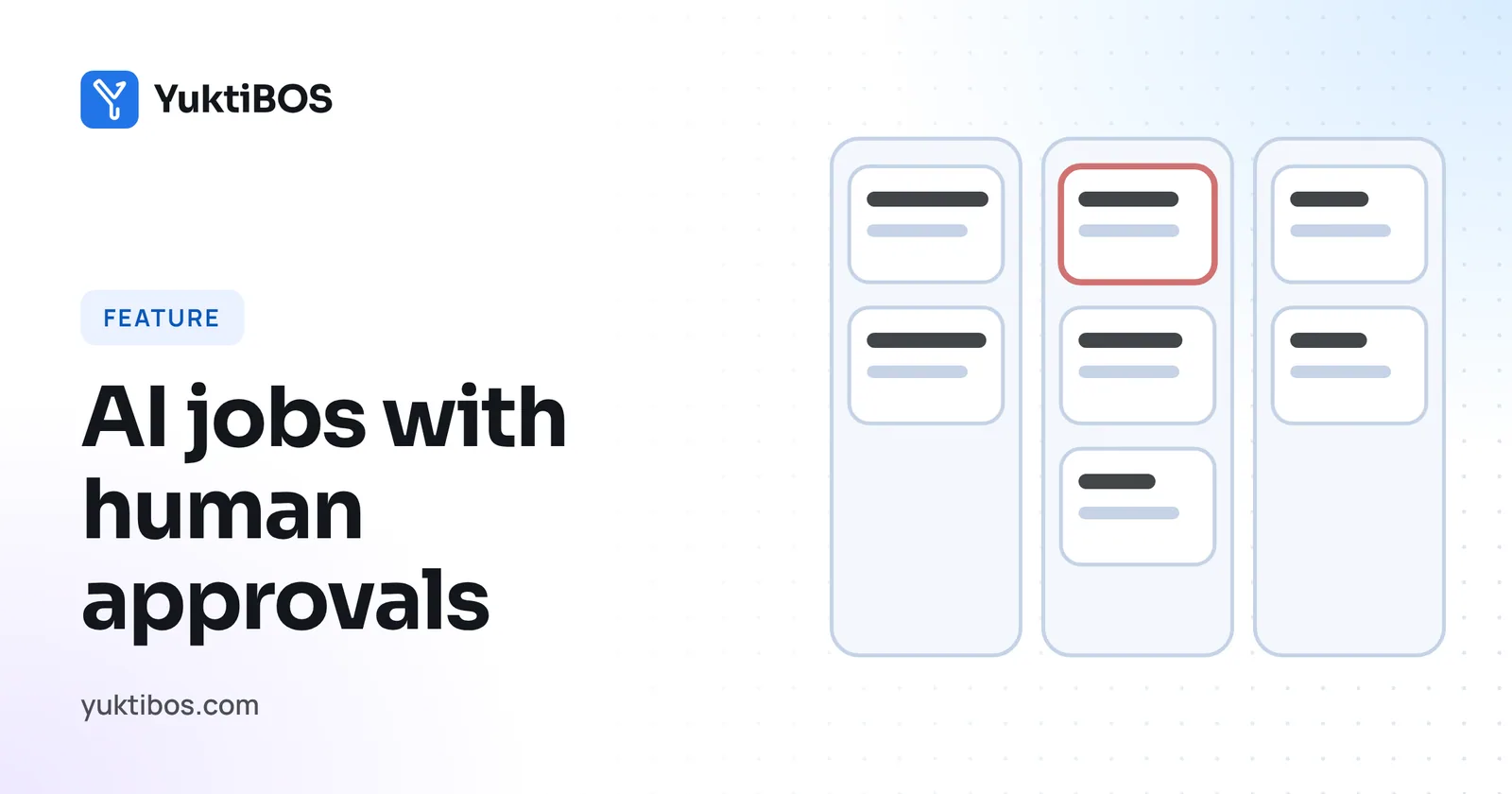
Five columns: Open, In progress, Needs your check, Paused and Done. Drag a card to move it. Assign to a person, or to an AI worker that runs once it passes its readiness checks.
Weekly direction
Once a week the Directional Reviewer writes three goals. Each new task says which goal it serves, and the writer gets one goal line, not a long brief.
Jobs that stop at a limit
A job that hits a spend limit waits. Open it, raise the limit and it carries on.
A view of what the AI is doing
Flows, recipes, skills and a run log show what each run produced and why.
How it works
In four steps.
No manuals needed. Each step is one screen, and the next step is always nearby.
- Check the roster and each worker's budget.
- Choose which types of work the AI may start on its own.
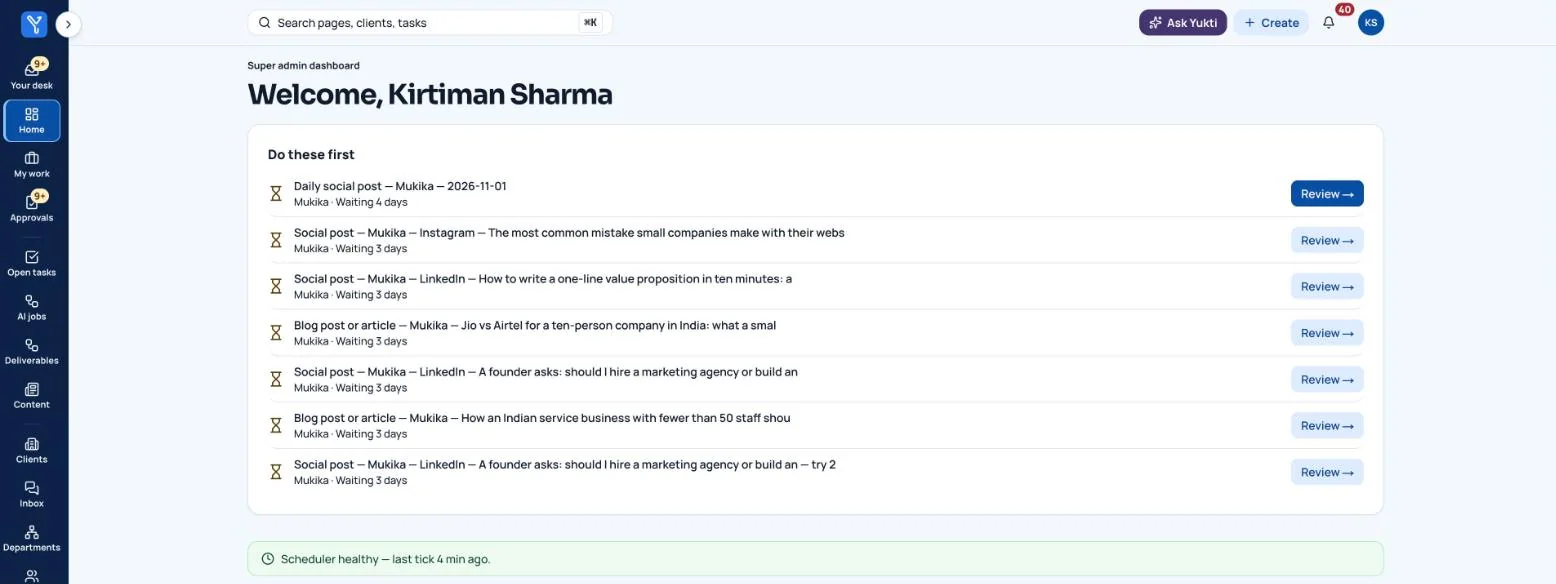
- Tasks flow to the board. Review what needs your check.
- Approve, send back or take over.
Where people stay in control
With no AI key at all, the process still works. People write, review and post. The Directional Reviewer never starts, edits or rejects a human-written piece.
What you can do with this
- Set an AI budget per worker and choose its model
- Choose which kinds of work the AI may start on its own
- Move work across a task board between people and AI workers
- Get a weekly direction of three goals for each client
- Resume an AI job that stopped at its spend limit
- See what the AI did and why, run by run
- Check a task is ready before an AI agent starts it
- Connect AI providers and social accounts in one place, with keys never shown
- Archive finished work without deleting it, and restore it later
Want ai jobs with human approvals on your business?
We are onboarding a small number of businesses for early access. Tell us what you do and what you would like off your plate.